×
Smart Tool
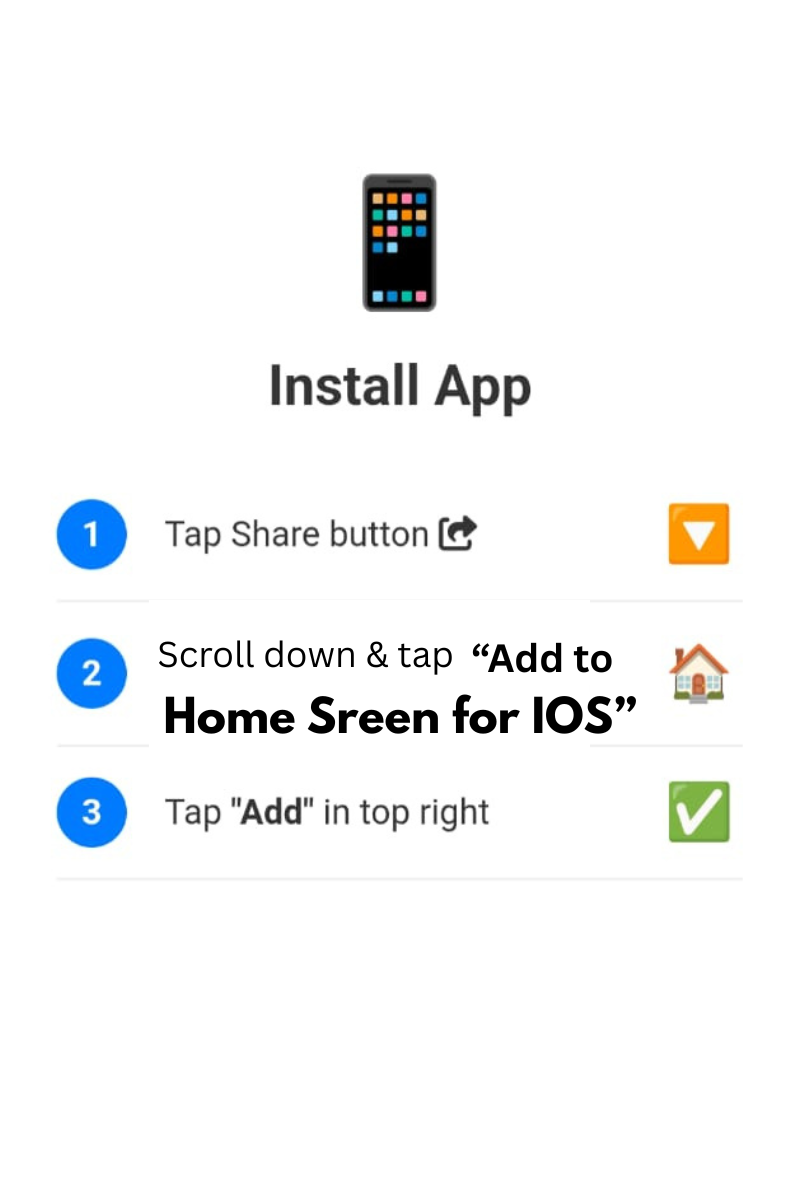
Tap Share and Add to Home Screen
Firstly, the Split HTML CSS JS Online tool takes one combined HTML file and separates it into three clean parts: HTML, CSS and JavaScript. Moreover, you often need this when you copy a full page from a template, an old project or an AI-generated answer and want to edit each part on its own. Therefore, instead of cutting and pasting by hand, you paste the code once and let the tool do the work.
If you also want a live preview while you write, try HelloScript, our online HTML CSS JS editor. Additionally, for a workspace that saves your progress in the browser and merges everything at the end, open the Split Code Editor with auto-save.
How do I split HTML into separate CSS and JavaScript files? Paste the full HTML, press Split, and copy each panel into its own file such as style.css and script.js.
Can I join the code again later? Yes. After editing, merge the panels back into one HTML file and export it.
Is the splitter free? Yes, you can use it as often as you like.
Does it work on a phone? Yes, it runs in your browser on a laptop, tablet or phone.
In conclusion, if you need to break one messy HTML file into clean, editable parts, this free tool saves time and effort. Paste, split, edit and export in a few seconds.
© 2026 SmartOnlineTool (Smart Online Tool). All Rights Reserved .
Tap Share and Add to Home Screen