×
Split Code
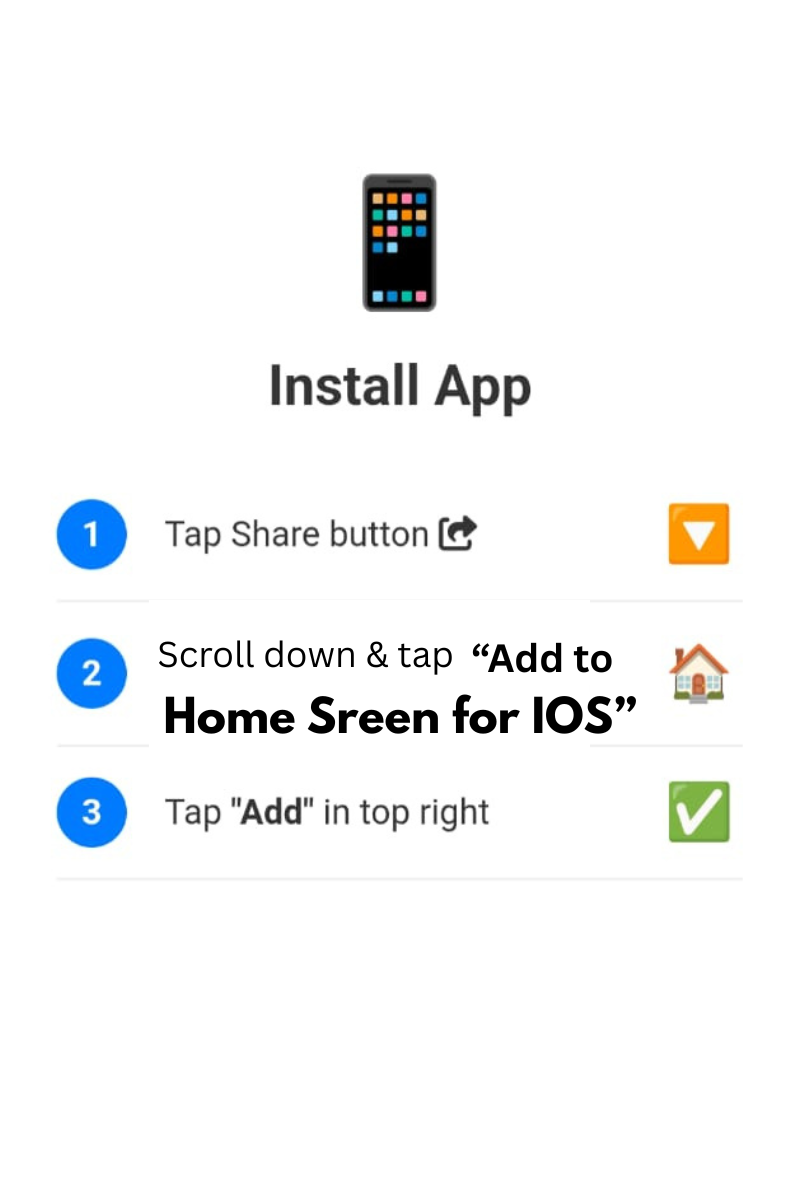
Tap Share and Add to Home Screen
⚡ Smart Online Tool
HelloScript is a free online code editor where you can write HTML, CSS and JavaScript in your browser and see the result instantly in a live preview. You can work in three separate panels, or paste a single HTML file and use the Split button to break it into HTML, CSS and JS automatically. It is made for students, beginners and developers who want to test a snippet, practice front-end coding or build a small web page without installing any software.
HelloScript is useful for students learning front-end web development, developers who need a quick place to test or debug a snippet, and anyone building a simple landing page, form or small JavaScript project. Because it runs in the browser, it works on a laptop or a phone without any setup.
Yes. You can write code, preview it and export your project for free.
No. You can start coding right away. Logging in with Gmail is only needed if you want to sync your projects across devices.
Auto-save keeps your code in your browser's local storage, so it is normally still there when you return. It can be lost if you clear your browser data, so export or save important projects.
Yes. Use the three separate panels, or paste one combined HTML file and use the Split button to separate it.
Export it as an .html file to open in any browser, or as a .json file to keep as a backup.
If you work with images or text inside your CSS or JavaScript, try our Base64 Encode / Decode Tool to convert text and files to Base64 and back.
Prefer a workspace that saves your code in the browser without any login? Open the Split Code Editor with auto-save.
Just need to break one finished page into separate files? Use our Split HTML CSS JS Online tool.
© 2026 SmartOnlineTool (Smart Online Tool). All Rights Reserved .
Tap Share and Add to Home Screen