×
Smart Tool
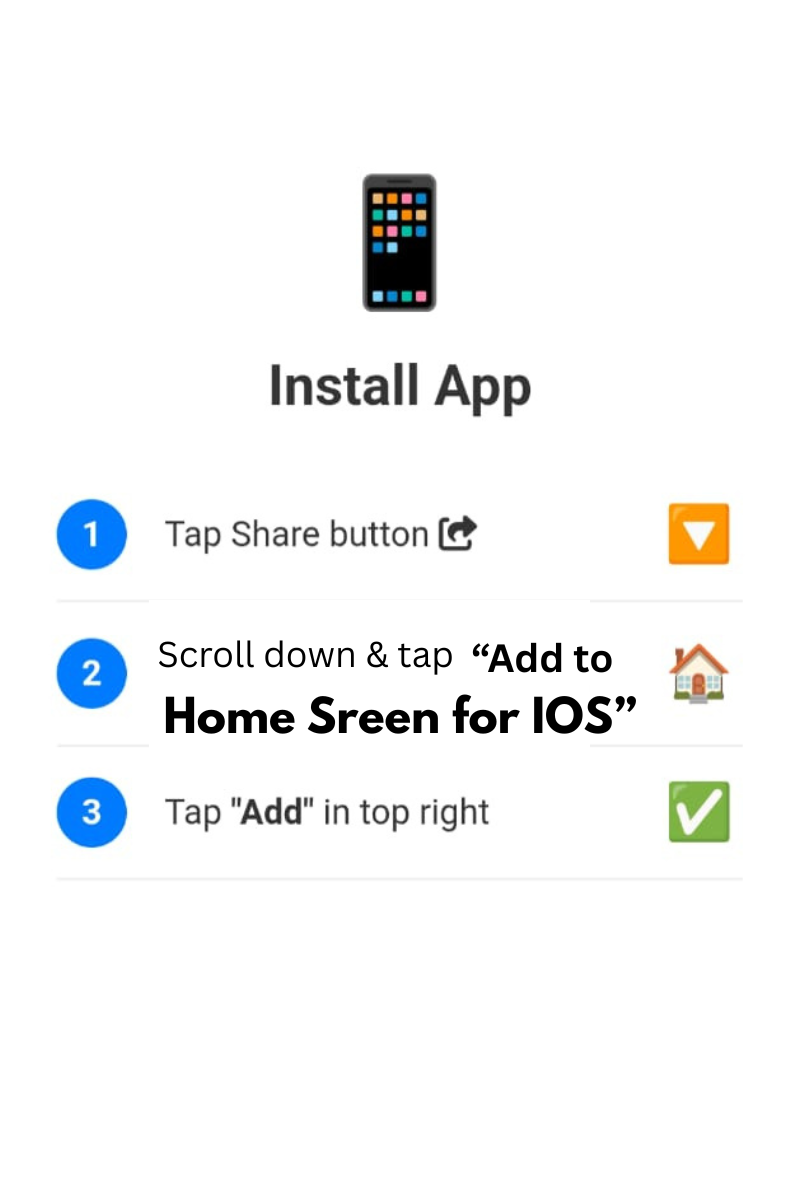
Tap Share and Add to Home Screen
Firstly, the Split Code Editor lets you write and organize HTML, CSS and JavaScript in separate panels, so each language stays clean and easy to find. Moreover, it saves your work automatically in your own browser, which means you do not need an account or a cloud service. Therefore, it suits students, beginners and developers who want a quick workspace that remembers their code.
Specifically, this editor stores your project only in your browser and does not need an external database. Consequently, your code stays on your device. However, clearing your browser data removes the saved project, so please export important work as a backup.
If you only need to break one finished page into parts, use the Split HTML CSS JS Online tool. Additionally, if you prefer a live preview and cloud sync with your Gmail account, try HelloScript, the online code editor.
Where is my code saved? It is saved in your browser's local storage on your own device.
Can I merge HTML, CSS and JS into one file? Yes. Use the merge function to combine the panels, then export the result as an .html file.
Do I need to log in? No account is required for this editor.
In conclusion, if you want a simple split editor that saves automatically, formats your code and merges it back into one file, this tool gives you a reliable workspace without any sign-up.
© 2026 SmartOnlineTool (Smart Online Tool). All Rights Reserved .
Tap Share and Add to Home Screen