Smart Online Tool · YouTube Thumbnail Creator
Settings
Dark / Light Mode
🌞 Light 🌙 Dark
Language
English
English
العربية
اردو
हिन्दी
Español
Close

YouTube Thumbnail Creator Studio

Design eye-catching YouTube thumbnails. Add custom text, gradients, shadows, and download in perfect 1280x720 HD.

Custom Text

Drag & style

Gradients

Presets + strokes

Templates

1-click design

Undo/Redo

Instant edits

Pro Tips

1280x720 recommended. Bold text + vibrant gradients boost CTR.

YouTube Thumbnail Editor

UPLOAD IMAGE
Click or drop image
PNG · JPG · WebP (max 10MB)
TEMPLATES
📂 Drag & drop your background image
Live Thumbnail Preview
Upload image to start

⚡ 1280x720 HD · Drag text position · No watermark · Instant preview

YouTube Thumbnail Editor: Premier Design Studio

Professional Thumbnail Creation: V28 Rajput Edition

Firstly, the YouTube Thumbnail Editor by Smart Online Tool is a premier utility for digital content creators. This specialized "V28 Rajput Edition" tool allows you to design high-quality, eye-catching thumbnails that boost your click-through rate (CTR) instantly. Moreover, it is specifically built for users who want to create professional visuals without needing complex graphic software. Therefore, it is the perfect one-stop solution for managing your channel's branding effectively.

Professional Features of the Thumbnail Studio

In addition, our YouTube Thumbnail Editor provides a wide range of sophisticated functions to enhance your creativity. For example:

  • Custom Text & Styling: Easily drag, drop, and style your titles with various fonts and colors.
  • Gradients & Strokes: Use professional presets and vibrant strokes to make your text pop.
  • One-Click Templates: Access ready-made design layouts to speed up your editing process.
  • HD Export (1280x720): Download your finalized work in perfect high-definition resolution instantly.
  • Undo/Redo Logic: Maintain total control over your design changes with our smart history feature.

Consequently, you get a premium design experience directly in your web browser without any subscription fees.

Privacy and Integrated Workflow

Specifically, the YouTube Thumbnail Editor prioritizes absolute user privacy through secure browser-based processing. Thus, your images are handled locally and are never stored on our servers permanently. Additionally, this tool works in total harmony with our Advanced Password Generator to help you secure your creator accounts against cyber threats. Finally, our professional environment on high-speed Hostinger servers ensures that every design task is handled with total precision and zero lag.

Conclusion

In conclusion, stop using boring thumbnails and start creating professional visuals today. Whether you are a beginner or a pro YouTuber, our platform is built to deliver quality results. Smart Start coding and optimizing here with our professional YouTube Thumbnail Editor.

Untitled Project
×

Smart Tool

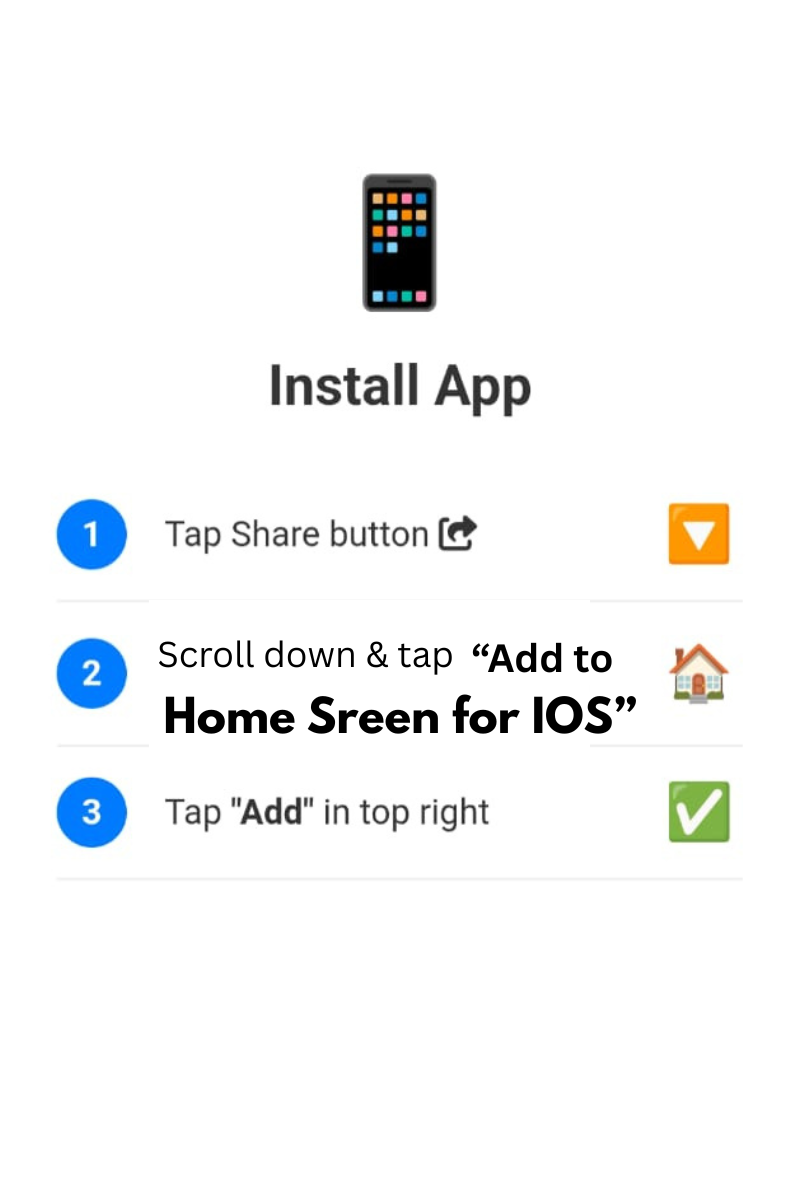
Tap Share and Add to Home Screen

×
Smart Tool
Add to home screen