×
Smart Tool
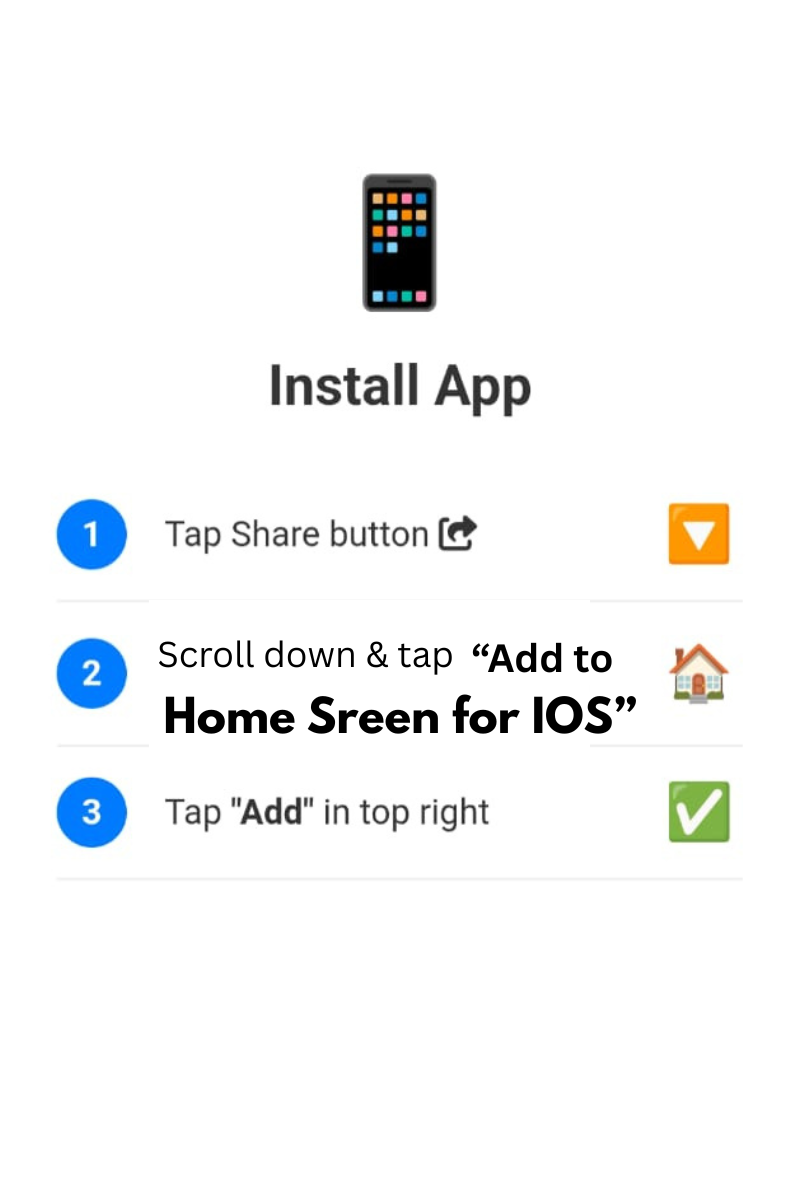
Tap Share and Add to Home Screen
0%
PDF Ready!
Convert DOCX to high-quality PDF instantly. Preserves headings, tables, lists, spacing, images, and page layout. No server, 100% browser.
Accurate layout
Full structure
Preserve visuals
Original flow
Convert Word documents while keeping headings, bold/italic, tables, bullet points and images. Ideal for reports, resumes, academic work.
No file selected
Upload a DOCX document to start conversion
Generated PDF will appear here after conversion
⚡ Preserves text, tables, lists, images, headings · 100% local · watermark: Created by Smart Online Tool
Firstly, the Word to PDF Converter by Smart Online Tool is a high-performance utility designed for seamless document transformation. This "V28 Rajput Edition" tool allows you to convert your .doc and .docx files into professional PDF documents instantly. Moreover, it is specifically built to preserve the original fonts, formatting, and layout of your work during the conversion process. Therefore, it is the perfect solution for anyone who needs to create non-editable and shareable versions of their text documents.
In addition, our Word to PDF Converter offers several advanced functions to improve your daily productivity. For example, it includes High-Accuracy Rendering to ensure every table, image, and text block remains intact. Furthermore, our Hostinger-powered infrastructure ensures Zero Quality Loss and fast processing speeds. Consequently, you get a premium conversion experience directly in your web browser without any complex software installations.
Specifically, using this tool is incredibly straightforward for every user. First, simply upload your Word file into the designated secure area. Second, wait for our smart engine to process the document. Finally, download the finalized PDF directly to your device with one click. Thus, your document management workflow becomes much more efficient on our professional workspace.
At Smart Online Tool, we prioritize accuracy, speed, and absolute user privacy. For instance, while this converter handles your text documents, our JPG to PDF Converter helps you compile your image-based projects with ease. Because we focus on reliability and security, your files are processed through secure sessions and are never stored permanently. Thus, our platform remains the top choice for a secure digital workspace.
In conclusion, stop worrying about document compatibility and start building your PDF files today. Whether you are finalizing a contract or submitting an academic paper, our application is built to deliver quality results. Smart Start coding and optimizing here.
© 2026 SmartOnlineTool (Smart Online Tool). All Rights Reserved .
Tap Share and Add to Home Screen