×
Smart Tool
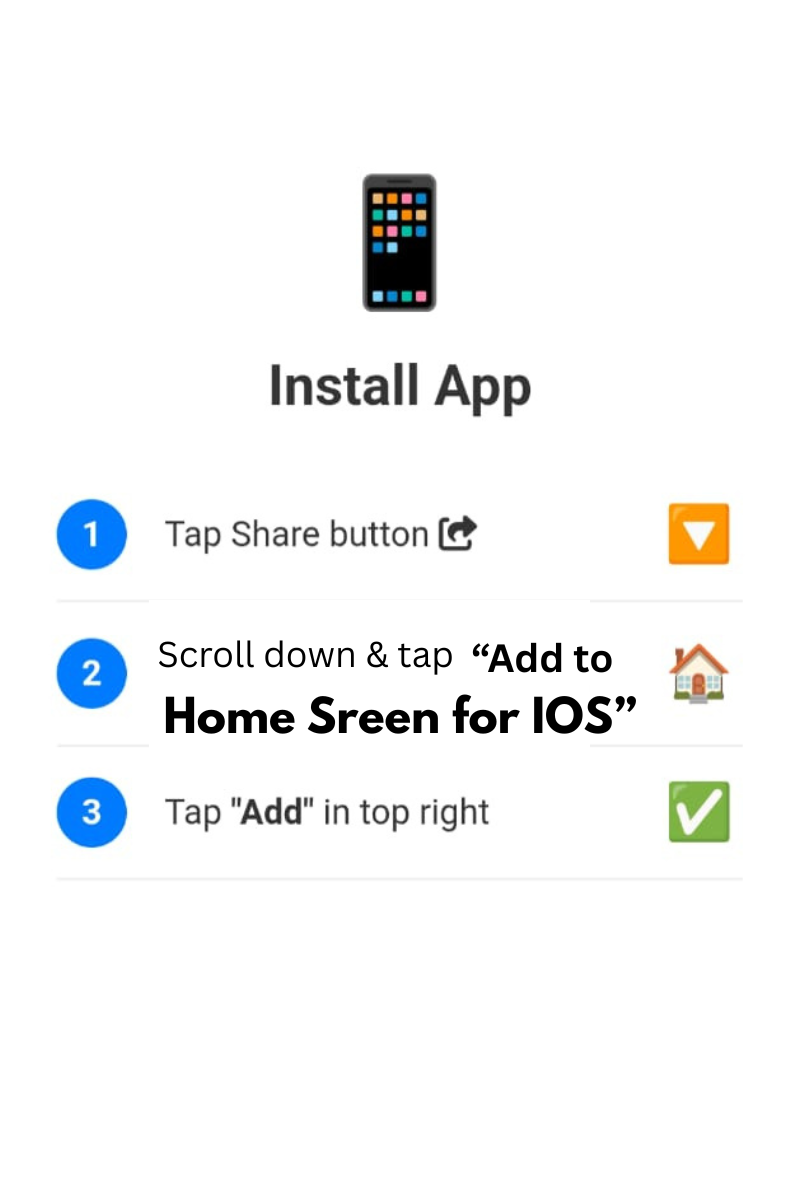
Tap Share and Add to Home Screen
Convert JPG, PNG, WEBP images to a single high-quality PDF. Drag & drop, reorder pages, full control. 100% local & private.
Up to 20 files
Margins & fit
Drag arrows
No upload
Combine scanned documents, receipts, or photos into one professional PDF. Perfect for sharing and archiving.
Firstly, the Professional JPG to PDF Converter by Smart Online Tool is a sophisticated document management studio. Unlike standard converters, this "V28 Rajput Edition" tool gives you complete control over your output format. Moreover, it allows you to combine up to 20 images into a single, well-organized PDF document instantly. Therefore, it is the perfect choice for users who need professional results for academic or business purposes.
In addition, our Professional JPG to PDF Converter offers a wide range of specialized settings to enhance your productivity. For example, it includes:
• Layout Adjustments: Choose page sizes (like A4), orientation (Portrait/Landscape), and image fit.
• Margin Control: Use the precision slider to set exact margins for a clean look.
• Quality Selection: Choose different levels to manage your file size effectively.
• Drag & Drop Reordering: Easily sequence your pages before finalizing.
Consequently, you get a premium, high-definition output directly in your web browser.
Specifically, the Professional JPG to PDF Converter prioritizes absolute user privacy. Thus, all processing happens 100% locally on your device (Client-Side), meaning your images are never uploaded to our servers. Additionally, this tool works in total harmony with our Image to SVG Converter to provide a complete graphic toolkit. Finally, our professional environment ensures that your data remains secure and your experience stays fast on Hostinger servers.
At Smart Online Tool, we focus on empowering users with professional-grade utilities. For instance, while this converter manages your documents, our other tools help you optimize code and data with ease. Because we value performance and reliability, you get the most efficient results with every single click. Thus, our platform remains the smarter choice for a secure digital workspace.
In conclusion, transform your images into professional documents with total layout control today. Whether you are creating a digital portfolio or a business report, our studio is built to deliver quality. Smart Start coding/optimizing here with our Professional JPG to PDF Converter.
© 2026 SmartOnlineTool (Smart Online Tool). All Rights Reserved .
Tap Share and Add to Home Screen