×
Smart Tool
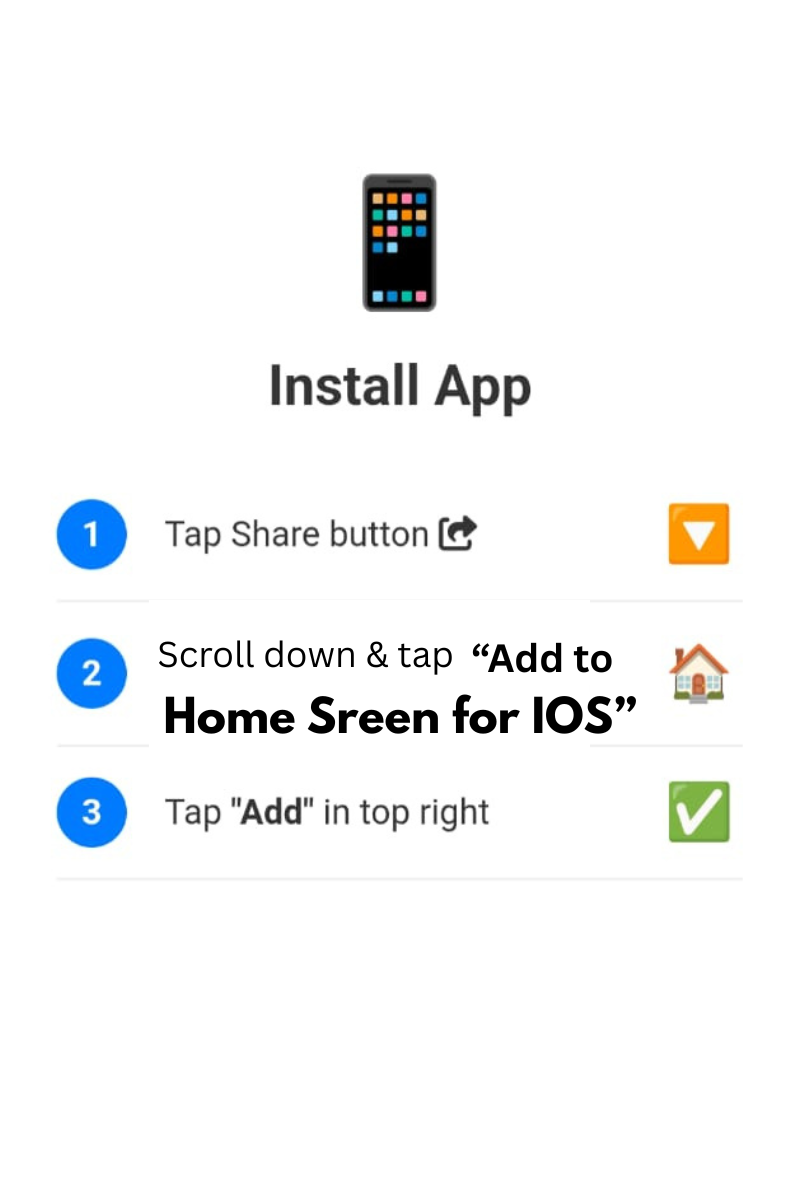
Tap Share and Add to Home Screen
0%
Text Ready!
Convert your text into Uppercase, Lowercase, Title Case, Sentence case, CamelCase, Alternating, Inverse and more. Real-time conversion, statistics, and history.
Words · Chars · Lines
Instant clipboard
All popular formats
Eye comfort
Every conversion saves to history. Export as .txt file, copy result, or clear with style.
✨ Smart Case Converter · Live preview · Zero storage
Firstly, the Advanced Case Converter by Smart Online Tool is a high-performance utility designed for writers, developers, and digital professionals. This "Responsive & High-Performance Web Tools" tool allows you to transform your text into various formats instantly without manual retyping. Moreover, it is built to handle large blocks of text with 100% accuracy and speed. Therefore, it is the perfect solution for anyone looking to organize their content professionally.
In addition, our Advanced Case Converter offers a wide range of specialized functions to improve your productivity. For example, it includes:
Consequently, you get a premium editing experience directly in your web browser.
Specifically, using the Advanced Case Converter is incredibly straightforward:
Thus, your editing workflow becomes much more efficient on our professional workspace.
At Smart Online Tool, we are dedicated to providing high-quality digital utilities for your daily needs. For instance, while this tool manages your text formatting, our Smart Unit Converter handles complex technical measurements with ease. Because we focus on speed and reliability on Hostinger servers, you get the most efficient results with every click. Thus, our platform remains the top choice for a secure and "Smart" digital workspace.
In conclusion, stop wasting time on manual text changes and start using our advanced studio today. Whether you are coding or writing an article, our platform is built to deliver professional results. Smart Start coding and optimizing here with our professional Advanced Case Converter.
© 2026 SmartOnlineTool (Smart Online Tool). All Rights Reserved .
Tap Share and Add to Home Screen