×
Smart Tool
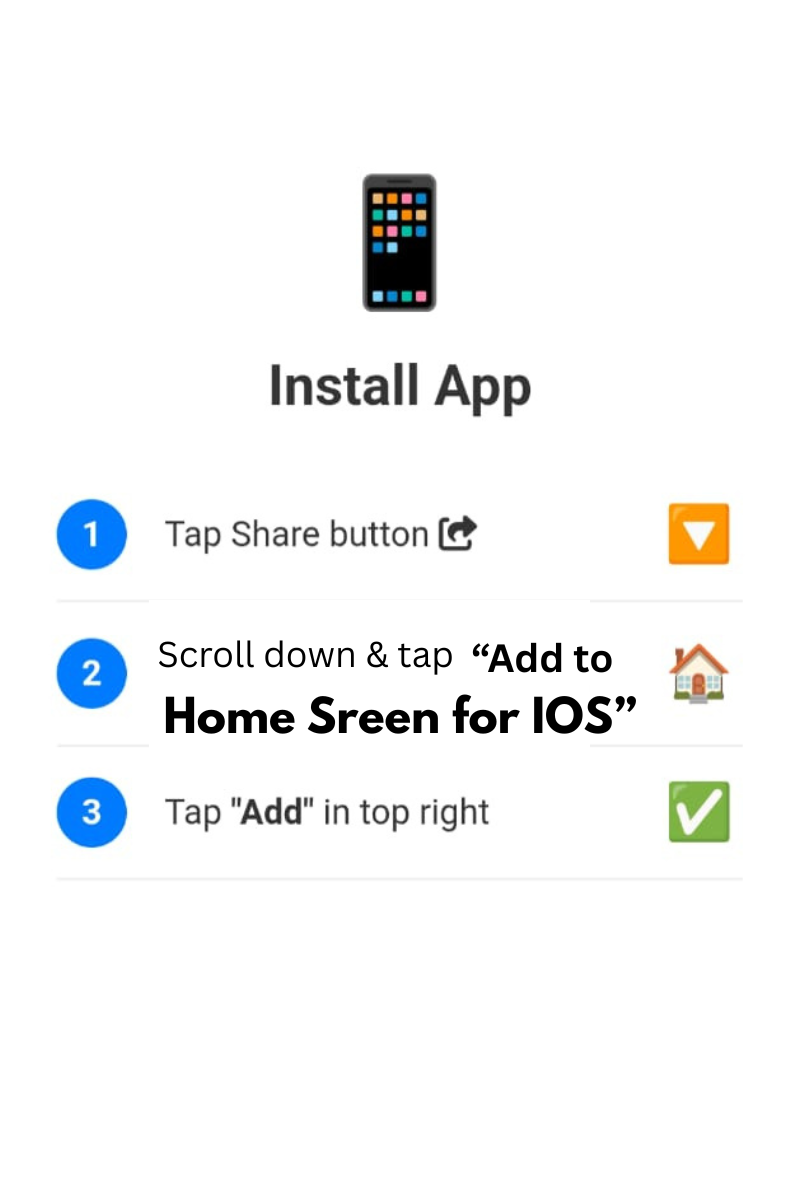
Tap Share and Add to Home Screen
0%
PDF Ready!
Convert multiple JPG images into a single high-quality PDF. Reorder, rotate, set page size, and download instantly.
Batch to one PDF
Drag & drop
Custom margins
Eye comfort
Combine scans, photos into a single document. Perfect for archiving, printing, and sharing.
⚡ JPG to PDF · Maintains quality · Drag to reorder · Light watermark: Created by Smart Online Tool
Firstly, the JPG to PDF Converter by Smart Online Tool is a high-performance utility designed for seamless document creation. This "V28 Rajput Edition" tool allows you to transform your standard images into professional PDF files instantly. Moreover, it is specifically built to preserve the visual quality and alignment of your photos during the conversion process. Therefore, it is the perfect solution for students and professionals who need to compile images into a single report efficiently.
In addition, our JPG to PDF Converter offers several advanced functions to improve your daily productivity. For example, it includes:
Consequently, you get a premium conversion experience directly in your web browser without any complex software installation.
Specifically, using the JPG to PDF Converter is incredibly straightforward for every user. First, simply upload your images into the designated secure area. Second, arrange the order of your photos if necessary and click the "Convert" button. Finally, download your finalized PDF document directly to your device. Thus, your image-to-document workflow becomes much more efficient on our professional workspace.
At Smart Online Tool, we prioritize accuracy, speed, and total user privacy. For instance, while this converter manages your images, our Merge PDF Tool helps you combine multiple documents with ease. Because we focus on reliability and security, your files are processed locally and are never stored on our servers permanently. Thus, our platform remains the top choice for a secure and "Smart" digital workspace.
For more advanced management features, try our Merge PDF Documents Tool which is free to use.
In conclusion, stop worrying about messy image files and start building your PDF documents today. Whether you are creating a digital portfolio or organizing receipts, our application is built to deliver quality results. Smart Start coding and optimizing here with our professional JPG to PDF Converter.
© 2026 SmartOnlineTool (Smart Online Tool). All Rights Reserved.
Tap Share and Add to Home Screen