×
Smart Tool
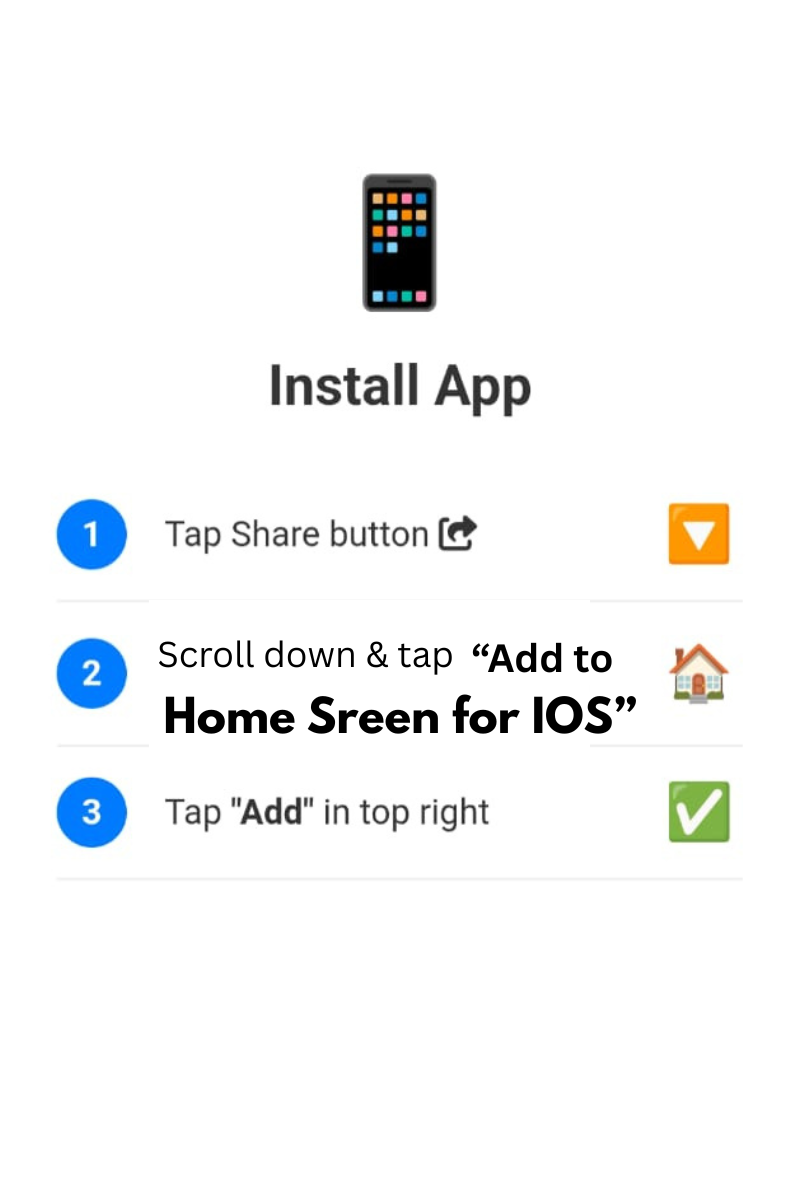
Tap Share and Add to Home Screen
0%
Conversion Complete!
Extract high-quality JPG images from each PDF page. Batch export, adjustable quality, preview pages, and download as ZIP.
Page‑by‑page conversion
One‑click download
Compression control
Eye comfort
All processing happens in your browser. No upload, private & instant. Convert PDF pages to JPG with optional watermark.
No PDF selected. Click the folder to upload.
⚡ High-quality JPG export · Adjustable quality · ZIP archive · Watermark protected
Firstly, the PDF to JPG Converter by Smart Online Tool is a high-performance utility for document optimization. This "V28 Rajput Edition" tool allows you to transform complex PDF pages into clear, high-resolution JPG images instantly. Moreover, it is designed to maintain the original layout and quality of your documents during the extraction process. Therefore, it is the perfect solution for users who need to share document snippets as visual content.
In addition, our PDF to JPG Converter offers several professional functions to improve your productivity. For example, it includes:
Consequently, you get a premium conversion experience directly in your web browser.
Specifically, using the PDF to JPG Converter is incredibly straightforward for everyone. First, simply upload your PDF file into the designated secure area. Second, wait for our smart engine to process each page and convert it into a high-quality image. Finally, download your images individually or as a complete package. Thus, your document management tasks become much more efficient on our professional workspace.
At Smart Online Tool, we prioritize accuracy, speed, and total user privacy. For instance, while this tool manages your document images, our Text to Speech Converter helps you handle your audio synthesis needs. Because we focus on reliability and security, your files are processed locally and are never stored on our servers permanently. Thus, our platform remains the top choice for a secure digital workspace.
For more advanced audio synthesis features, try our [Text to Speech Converter] which is free to use.
In conclusion, stop struggling with static documents and start extracting your images today. Whether you are a student or a professional, our studio is built to deliver high-quality results. Smart Start coding and optimizing here with our professional PDF to JPG Converter.
© 2026 SmartOnlineTool (Smart Online Tool). All Rights Reserved .
Tap Share and Add to Home Screen