×
Smart Tool
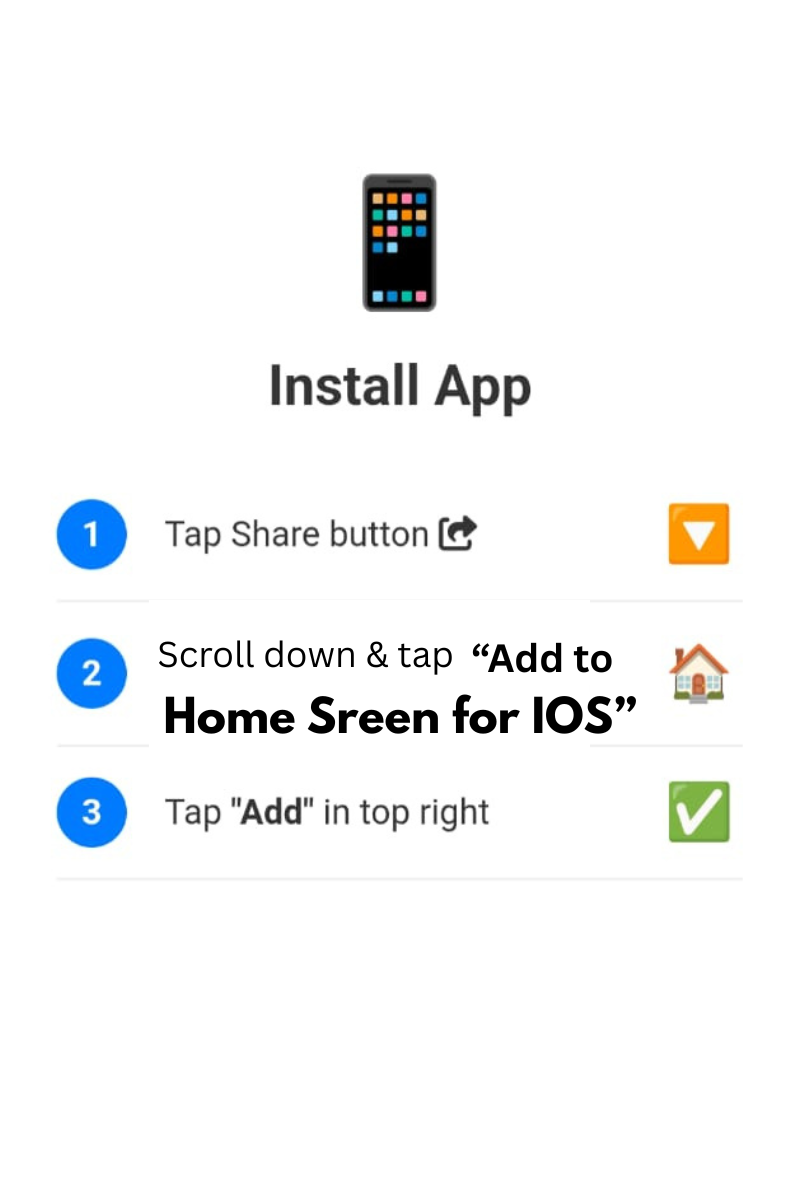
Tap Share and Add to Home Screen
Pick any color, get HEX, RGB, HSL codes instantly. Generate gradients, save favorites, random colors & export palettes. 100% local & free.
Copy with 1 click
Linear + CSS copy
Store & reuse
JSON / CSS snippets
Real-time preview, opacity (alpha) support, random generator, gradient creator, and CSS snippets for designers & developers.
background: linear-gradient(135deg, #3b82f6, #a855f7);
🎯 Live sample
✨ Click on any recent or favorite swatch to apply — instant update
Firstly, the Advanced Color Picker by Smart Online Tool is a premium utility designed for UI/UX designers and web developers. This "V28 Rajput Edition" tool allows you to explore an infinite spectrum of colors and select the perfect shade for your project instantly. Moreover, it is specifically built to provide high-precision color data, ensuring that your digital designs remain consistent and professional. Therefore, it is the ultimate one-stop solution for managing your brand's aesthetics effectively.
In addition, our Advanced Color Picker provides several sophisticated functions to enhance your creative workflow. For example, it includes:
Consequently, you get a premium studio-like environment directly in your web browser.
Specifically, the Advanced Color Picker prioritizes absolute user privacy through 100% local browser-based processing. Thus, your color selections are handled securely and are never stored on our servers permanently. Additionally, this tool works in total harmony with our Professional JPG to PDF Converter to provide a complete media management toolkit. Finally, our professional workspace ensures that every visual detail of your design is handled with expert-level precision.
At Smart Online Tool, we are dedicated to providing high-performance digital utilities for your professional needs. For instance, while this color studio manages your aesthetics, our other tools assist you with code and document optimization. Because we focus on reliability and speed on Hostinger servers, you get the most efficient results with every single click. Thus, our platform remains the smarter choice for a secure and professional digital workspace for global users.
In conclusion, stop struggling with basic color tools and start using our advanced selection studio today. Whether you are building a new website or designing a logo, our application is built to deliver quality results. Smart Start coding and optimizing here with our professional Advanced Color Picker.
© 2026 SmartOnlineTool (Smart Online Tool). All Rights Reserved .
Tap Share and Add to Home Screen